Chapter 2
Designing with Logic-Aware AI
The generator treats available items as physical anchors. Good prop tags produce puzzles that are easier to build, easier to reset, and clearer for game masters to explain.
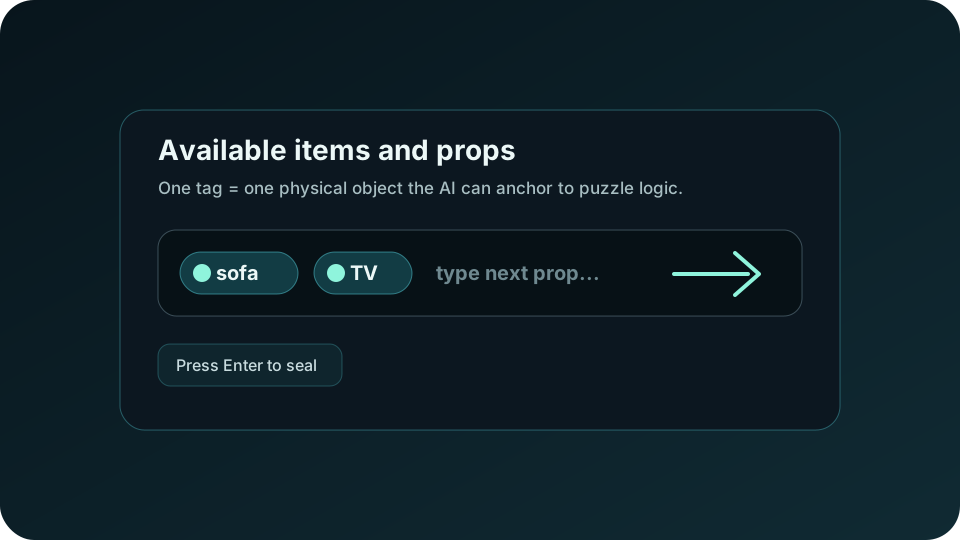
One Tag = One Object
Use short, concrete nouns: sofa, TV, beaker, microscope, side table. Avoid broad phrases like “living room stuff” or “science props” because they do not give the model a specific install location.
Anchor Puzzles to Physical Elements
- List each prop or fixture the team can touch, search, view, or manipulate.
- Keep the environment aligned with the fiction zone so the export can say where each clue lives.
- Review the generated puzzle’s physical anchor and narrative justification before approving it for build.
Theme Selection Workflow
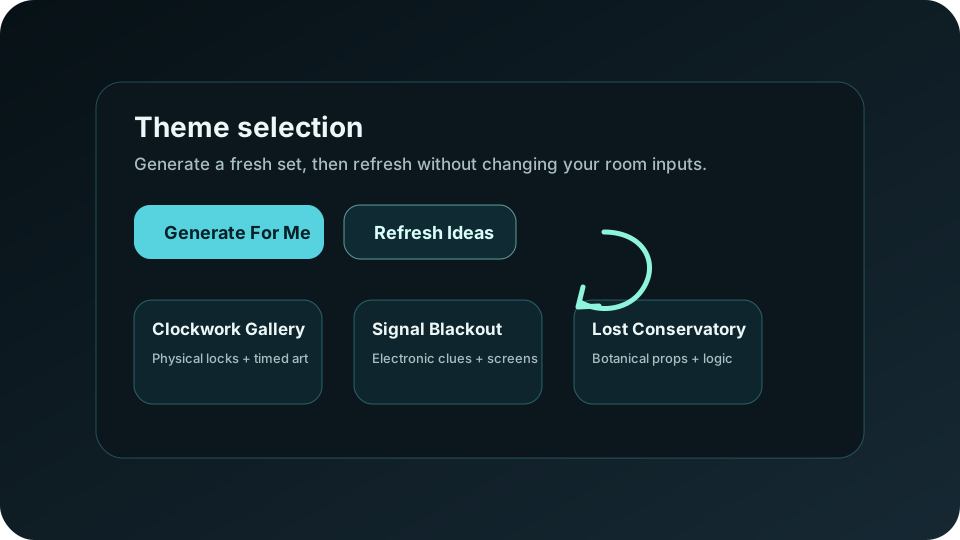
After room details are valid, continue to themes. Free trial users receive a curated theme set. Paid users can generate a wider rotating set, refresh ideas while preserving planning inputs, or add a custom theme.